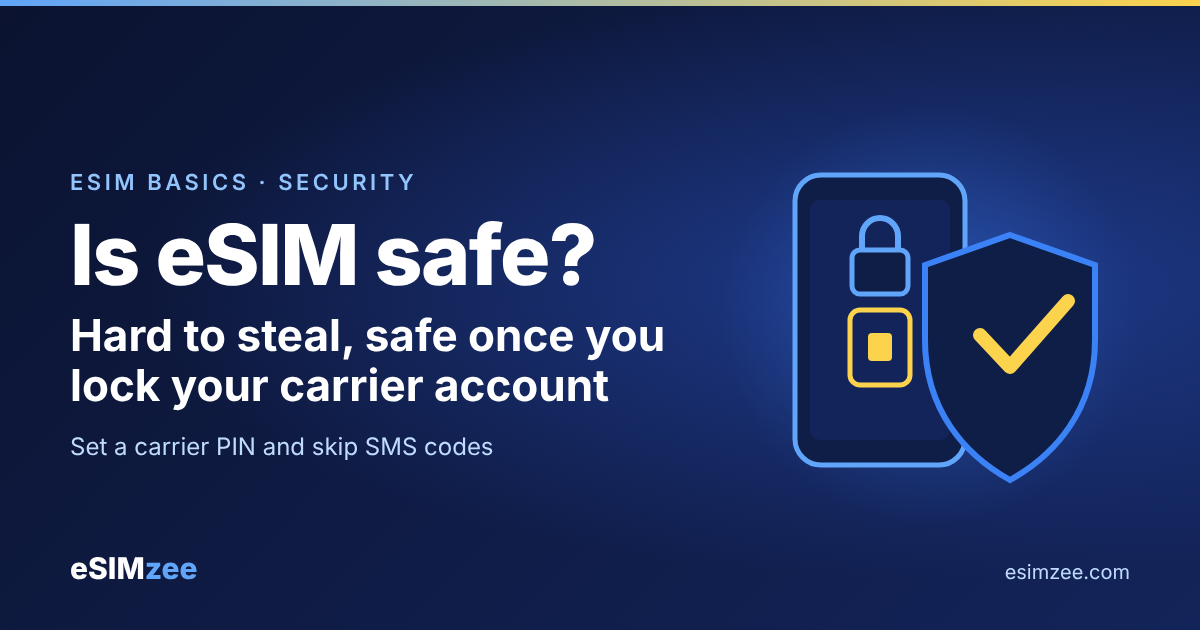
Quick answer: Yes, an eSIM is safe to use, and for theft it is a little safer than a physical SIM, because the chip sits inside your phone and nobody can pull it out. The main real-world risk, SIM swapping, targets your phone number at the carrier and affects both kinds of SIM. So is an eSIM safe? Yes, as long as you lock your phone and protect your carrier account.
What makes an eSIM different from a physical SIM?
An eSIM is, in Apple's words, "an industry-standard digital SIM built into your iPhone." Think of it as a SIM card that lives inside the phone instead of in a tray. Apple lists "better security" among the benefits of eSIM, though that page gives no technical detail.
You add a plan with a QR code, a carrier app or a manual code. Apple notes that most setups need a Wi-Fi or hotspot connection. If you want the full chip-and-profile story, read our guide on how an eSIM works.
Is an eSIM safer than a physical SIM if my phone is stolen?
For a thief with your phone in hand, yes. A physical SIM can be popped out and dropped into another phone in seconds. An eSIM stays inside the device, so there is no card to take.
Your phone's lock screen then does the real protecting. Set a strong passcode. Turn on Find My on iPhone, or the equivalent finder on your Android phone.
What is a SIM swap, and does an eSIM stop it?
An eSIM does not stop it. A SIM swap happens when a fraudster convinces your carrier to move your number to a SIM in a device they control. The US Federal Trade Commission (FTC) says scammers often claim the phone was lost or damaged.
The trick targets the carrier's customer service, not the chip. That is why the SIM type does not change the risk much. A swap can move your number onto a scammer's eSIM just as easily as onto a plastic card.
The FTC lists these warning signs: your phone suddenly loses service, or you get a notice that your SIM was activated on a new device. If that happens, call your carrier at once and change your account passwords.
How do I protect my eSIM and my number?
Most protection happens outside the eSIM itself. These steps come from the FTC and Apple guidance:
- Set a PIN or password on your cellular account, as the FTC advises.
- Use an authentication app or security key for banking and email. The FTC warns that text-message codes "may not stop a SIM card swap."
- Ignore unexpected calls, emails or texts that ask for personal details. Contact the company through a number you know is real.
- Limit personal details you post publicly, since thieves use them to answer security questions.
- Turn on two-factor authentication for your Apple Account. Apple says you cannot erase a lost device remotely through Find My without it.
What happens to my eSIM if I lose my phone?
Your plan does not vanish. Contact your carrier to suspend the line or move it to a new device. Apple says Lost Mode locks a missing device with a passcode or your Apple Account password.
Erasing the phone is a last step. Apple warns that "Erasing your device can't be undone." Try locating and locking it first.
Moving to a new phone is simple on purpose. With Apple's eSIM Quick Transfer, Apple says that when the plan on the new iPhone activates, it deactivates the previous SIM. Both iPhones must use the same Apple Account and run iOS 18.4 or later.
Are travel eSIMs safe to buy?
Yes, if you buy from a provider you can verify. The risks for travelers are practical ones: fake sellers and QR codes from unknown sources. Buy from a named provider, and use the QR code or activation details only from your own order page or email.
Before you buy, confirm your phone supports eSIM. Google says on its Pixel help page that all Pixel 4 and later phones work with eSIM. Our device checker covers other models. Then compare vendors on our providers page.
Google also notes that a carrier may ask for your EID, the unique number of the chip inside your phone. Share it only with the provider you bought from.
Frequently asked questions
Can someone hack my eSIM remotely?
The attack the FTC describes is social engineering: a scammer tricks your carrier into moving your number. Protect the account with a PIN and an authentication app.
Can an eSIM be cloned?
An eSIM is built into the phone, so nobody can take the card out and copy it. A SIM swap is a different attack that works on any SIM type, so the account PIN still matters.
Does an eSIM track me more than a physical SIM?
We found no source saying so, and the sources we read do not list tracking as an eSIM risk. Your carrier handles your number the same way on either SIM type.
Is it safe to scan an eSIM QR code?
Yes, if the code comes from your provider's order page or email. Never scan a code a stranger sends you. Only install plans you ordered yourself.
Should I switch my physical SIM to an eSIM?
Switch if you want a SIM that cannot be pulled out of a stolen phone and you travel often, and check your phone first. Keep the physical SIM if your phone is old or your carrier does not support eSIM.
Sources
- Apple Support: Using eSIM on your iPhone, Apple, accessed 2026-11-10
- SIM Swap Scams: How to Protect Yourself, US Federal Trade Commission, 23 October 2019
- Use Find My to locate your lost Apple device or AirTag, Apple, accessed 2026-11-10
- Get a SIM or eSIM and add it to your Pixel phone, Google Pixel Help, accessed 2026-11-10