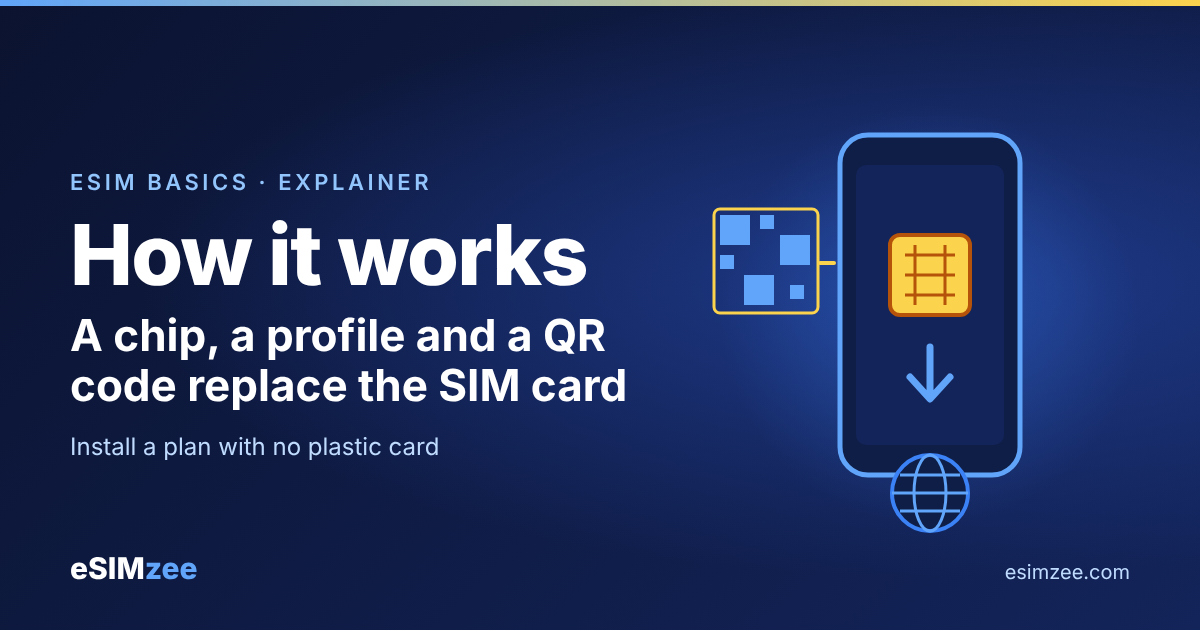
Quick answer: How does an eSIM work? Your phone has a small secure chip that can store several digital SIM files, called profiles. When you scan a QR code or type an activation code, the phone downloads a profile from your provider over the internet and installs it on that chip. No plastic card is involved.
What is inside an eSIM?
An eSIM has two parts: a chip and a profile. The chip is called an eUICC. The GSMA, the mobile industry body, defines it in its SGP.21 RSP Architecture Specification as a UICC that "enables the local management of Profiles in a secure way". The name comes from "embedded UICC".
Think of the eUICC as an empty, locked notebook built into your phone. A profile is one page written in it. The same specification describes a profile as a combination of data and applications that give you mobile service.
Apple describes the result as an industry-standard digital SIM built into your iPhone, so you no longer need a physical SIM card.
How does an eSIM download work, step by step?
The GSMA calls the whole process Remote SIM Provisioning. In plain words, it is a secure way to send a SIM to a phone over the internet. These are the steps you see and the ones that happen behind the scenes.
- You buy a plan. The provider prepares a profile for you.
- You get an activation code. The GSMA defines it as information the provider issues so you can request the download and installation of a profile. It usually arrives as a QR code or as text.
- Your phone contacts the profile server. The server is called an SM-DP+ (Subscription Manager - Data Preparation +). The GSMA says it creates, manages and protects profiles and delivers them in a protected package.
- The profile is installed. The package goes to the chip in your phone. The program on the phone that handles this is the Local Profile Assistant (LPA).
- You turn the plan on. You choose which profile the phone uses for calls, texts and data.
Some providers also ask for a confirmation code. The GSMA defines it as a code you enter that the SM-DP+ requires before it allows the download.
How do you add an eSIM to a phone?
On an iPhone, Apple lists three main ways: scan a QR code, use your carrier's app, or enter the details by hand under Settings, Cellular, Add Cellular Plan.
Apple says you need a Wi-Fi network or hotspot during setup. In some regions, eSIM-only models can activate without Wi-Fi.
Not every phone supports eSIM. Apple lists the iPhone XS, XS Max, XR and later models. Before you buy a plan, run your phone through the eSIMzee device checker.
Can one phone hold more than one eSIM?
Yes. The GSMA's definitions show a phone can keep profiles installed and have one enabled, meaning its files and applications can be selected. Apple says an iPhone can manage up to eight or more eSIMs.
This is why eSIM suits travel. You keep your home profile, add a travel profile, and switch between them in settings.
What can you do with a profile after it is installed?
The GSMA lists the actions you can run on your own phone: enable a profile, disable it, delete it, view its details and give it a nickname. A nickname helps when you hold a home plan and a travel plan, because you can label them "Home" and "Trip".
Disabling a profile turns it off without removing it. Deleting removes it from the chip.
Is an eSIM as secure as a physical SIM?
The GSMA sets this as a design rule. Its architecture says overall eUICC security must be at least equivalent to the removable SIM card and its provisioning process. The same document says personal identifiers such as the EID (the chip's ID number) and ICCID (a profile's ID number) must be treated as personal data.
That is a standard providers build to, not a promise about any single plan. Buy from providers you can identify, and keep your QR code private until you install it.
Which eSIM should you choose?
Choose an eSIM if your phone supports it and you want mobile data the moment you land, without swapping cards. Stick with a physical SIM if your phone is older and has no eSIM support. To see travel plans side by side, browse eSIMzee providers or use the compare page.
Frequently asked questions
What does eUICC stand for?
It comes from "embedded UICC". It is the secure chip in your phone that stores eSIM profiles, as defined by the GSMA.
Do I need internet to install an eSIM?
Usually yes. Apple says you need Wi-Fi or a hotspot during setup, though some eSIM-only models in some regions can activate without Wi-Fi.
How many eSIMs can my iPhone store?
Apple says you can manage up to eight or more eSIMs. Other phone brands set their own limits, so check your phone's support page.
What is a profile?
A profile is the digital SIM file that gives your phone service from one provider. It holds the data and applications the network needs.
What is a confirmation code?
It is an extra code you may have to enter before the provider's server lets the profile download. Not every plan asks for one.
Is my phone eSIM compatible?
Check the eSIMzee device checker first. Apple lists iPhone XS, XS Max, XR and later models as supporting eSIM.
Sources
- SGP.21 RSP Architecture Specification, Version 2.7, GSMA, 24 April 2026
- Set up eSIM on iPhone, Apple Support, 17 September 2026