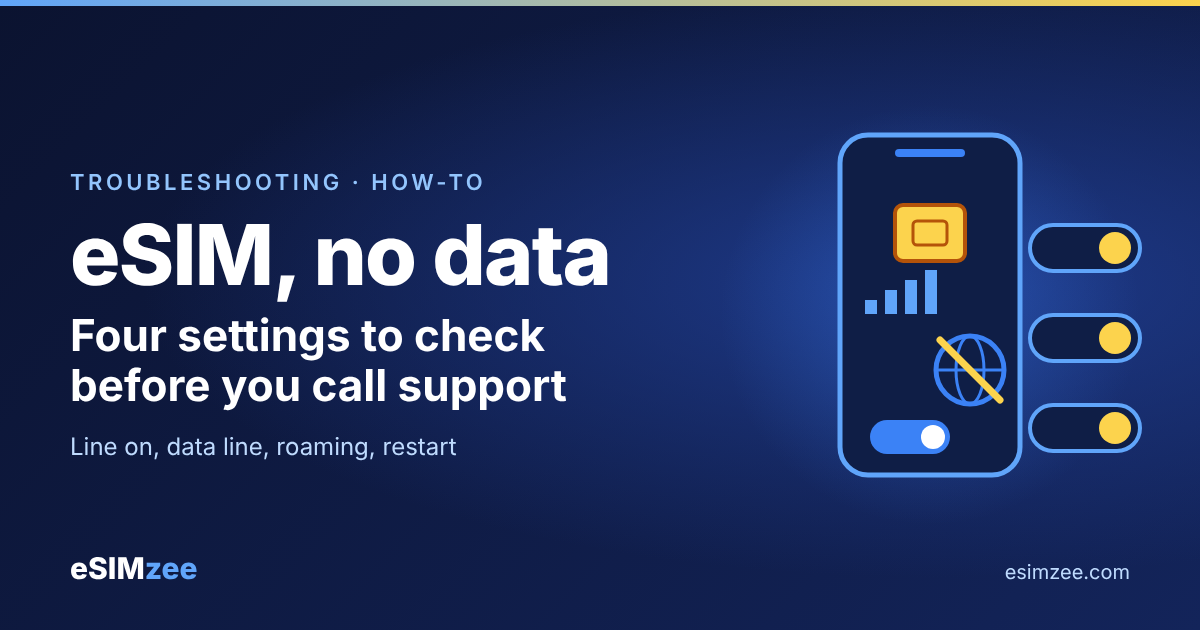
Quick answer: When an eSIM shows signal but has no internet, the cause is almost always a setting, not a broken eSIM. Check that the eSIM line is on, selected for mobile data, and allowed to roam. Then restart the phone and reset network settings if nothing changes.
A travel eSIM is a digital SIM that lives inside your phone. Installing it is only half the job. Your phone must also be told to use it for data.
Why does my eSIM have no internet after installing?
Think of an installed eSIM as a new tap fitted in your kitchen. The tap exists, but the water only flows when the valve is open. Your phone has several valves: the line switch, the data line choice, roaming and airplane mode.
Most "no internet" cases come down to one closed valve. The steps below go from the most common to the least common. Check internet after each one.
How do I fix eSIM no internet, step by step?
- Turn the eSIM line on. On a Pixel, Google's Pixel Help says to open Network & internet, then SIMs, make sure Mobile data is on, and make sure "Use SIM" is on for your carrier. On an iPhone, open Settings, then Cellular, and check that the line is on.
- Choose the eSIM for mobile data. Apple says to go to Settings, Cellular, Cellular Data and select the line you want. Google's Pixel Help on mobile networks says only one SIM can be the default for data.
- Turn on data roaming for the eSIM line. Abroad, your phone may treat the travel line as roaming. Apple's cellular data page says you may need Data Roaming on if you have an international data plan. Google describes Roaming as letting your phone use other carriers' networks outside your carrier's coverage area.
- Switch airplane mode on and off. Apple lists this as a first step, and Google says it can clear active processes.
- Restart the phone. Google says to power the phone off, wait 30 seconds, then turn it on. Apple lists a restart too.
- Check the network type. Google says you can choose a preferred network type in your carrier's SIM settings. Try a different option if 5G drops out.
- Reset network settings. On a Pixel, go to System, Reset options, Reset mobile network settings. This clears saved network settings, so use it late in the list.
What about APN settings?
An APN, or access point name, is the address your phone uses to reach the mobile internet. Google lists access point names among the options in each SIM's settings.
Edit the APN last. Use it only if your eSIM provider gives you exact values, and copy each character. A typo in one field can block data.
Does an unactivated plan cause no internet?
Yes. Some plans start counting when you first connect, and others start on a set date. Read your plan's activation policy before you troubleshoot.
Confirm that the plan covers the country you are in and that data is not used up. Our guide on when to install and activate a travel eSIM explains the timing.
What if the eSIM will not even set up?
Apple's eSIM setup page gives a short checklist. Connect to Wi-Fi or a hotspot, run the latest iOS, then turn Airplane Mode on and off. Turn the line off and on in Cellular, then restart.
Apple also says to check for a carrier settings update: open Settings, General, About, and tap the carrier version if an update shows. If it still fails, contact your carrier with the error message, your phone number and your phone's IMEI or EID.
Which dual SIM mistakes block data?
If you keep your home SIM and add a travel eSIM, the data line decides everything. When the home SIM is the data line, the travel eSIM sits idle even though it shows bars. Apple warns that keeping both lines active can still bring home-carrier roaming fees, so confirm the data line before you browse.
When you return home, Apple says to check Settings, Cellular and turn your primary line back on, then turn off travel lines you no longer use.
When should I contact support?
Contact your eSIM provider after the steps above. Google also advises asking your carrier about outages and confirming your data plan. Before you buy, use the eSIMzee device checker to confirm your phone supports eSIM, and compare plans in the provider directory.
Frequently asked questions
Why does my eSIM show signal but no internet?
Your phone attached to a network, but data is not allowed to flow. The usual causes are roaming off or the wrong data line selected.
Do I need data roaming on for a travel eSIM?
Often yes. Apple says you may need it on with an international data plan, so follow your provider's instructions.
Will turning on roaming cost me extra?
Roaming on the eSIM line uses the travel plan's data. Your home carrier may charge roaming fees if your home line is also carrying data, per Apple, so keep home data off.
Should I delete and reinstall the eSIM?
Not yet. Try the settings first, and ask your provider before deleting, because your install code may not work a second time.
Can a restart really fix it?
Yes. Both Apple and Google list a restart as a standard fix because it refreshes the connection.
Sources
- Fix mobile connectivity issues, Google Pixel Phone Help, accessed 2026-11-08
- Connect to mobile networks on a Pixel phone, Google Pixel Phone Help, accessed 2026-11-08
- Use eSIM while traveling internationally with your iPhone, Apple Support, accessed 2026-11-08
- Use cellular data on your iPhone or iPad, Apple Support, accessed 2026-11-08
- If you can't set up an eSIM on your iPhone, Apple Support, accessed 2026-11-08